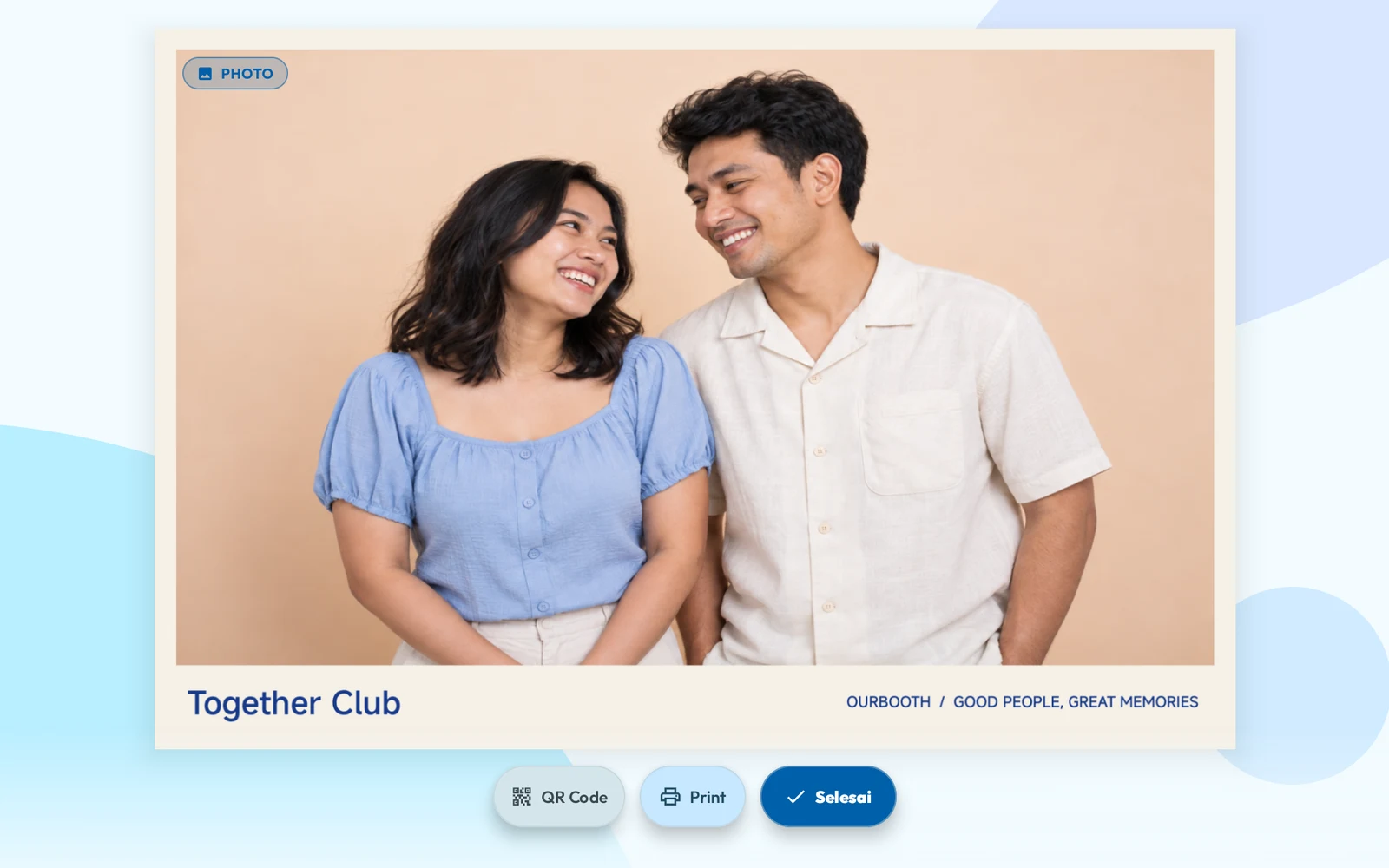
AI Photocard
Make it a collectible.
Pick a theme, strike a pose, meet your creative side.
Android · iPad · iPhone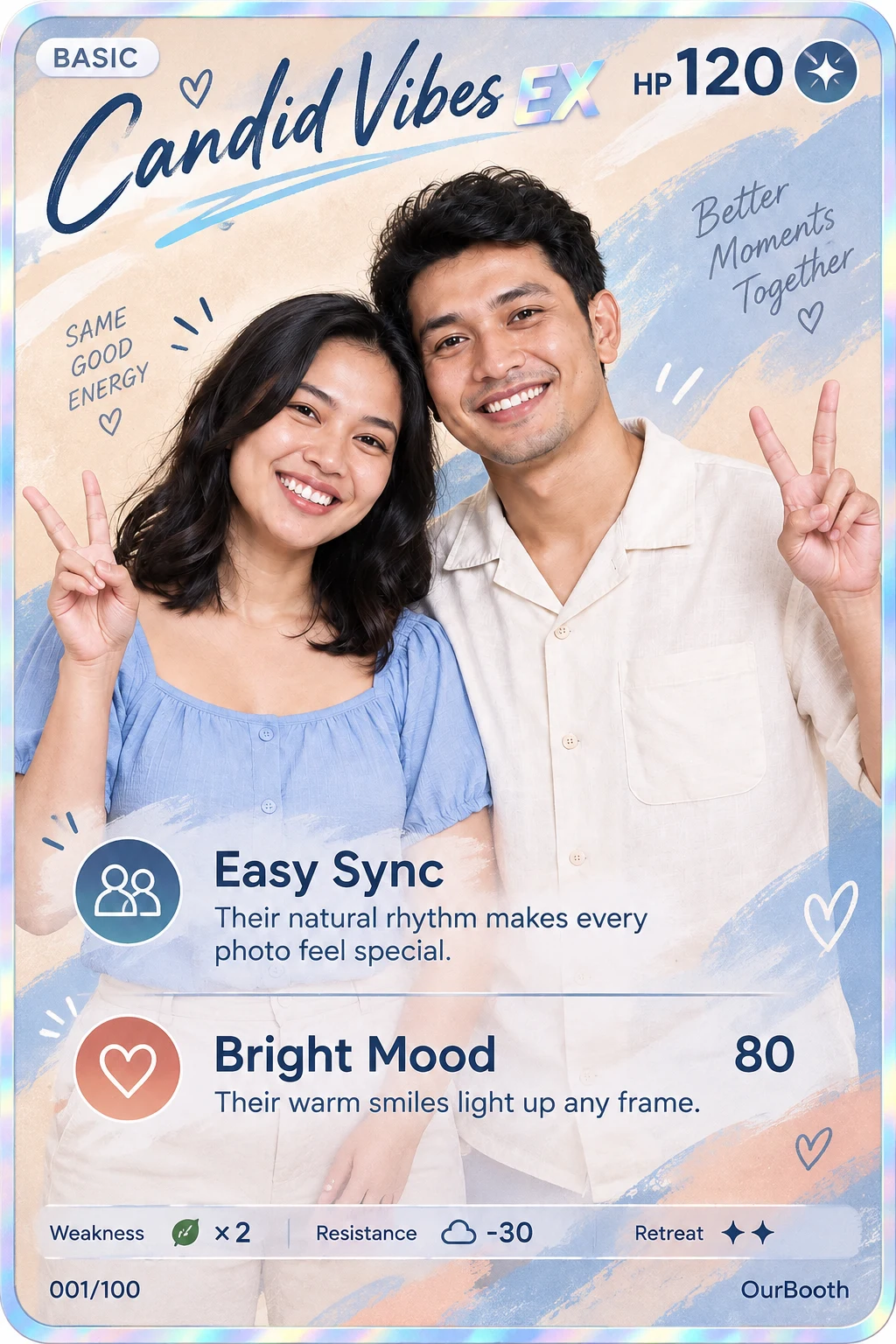

ANDROID + IPAD · OURBOOTH
Shoot, print, take QRIS payments, and share by QR. One OurBooth account works on Android tablets and iPad.
How it works
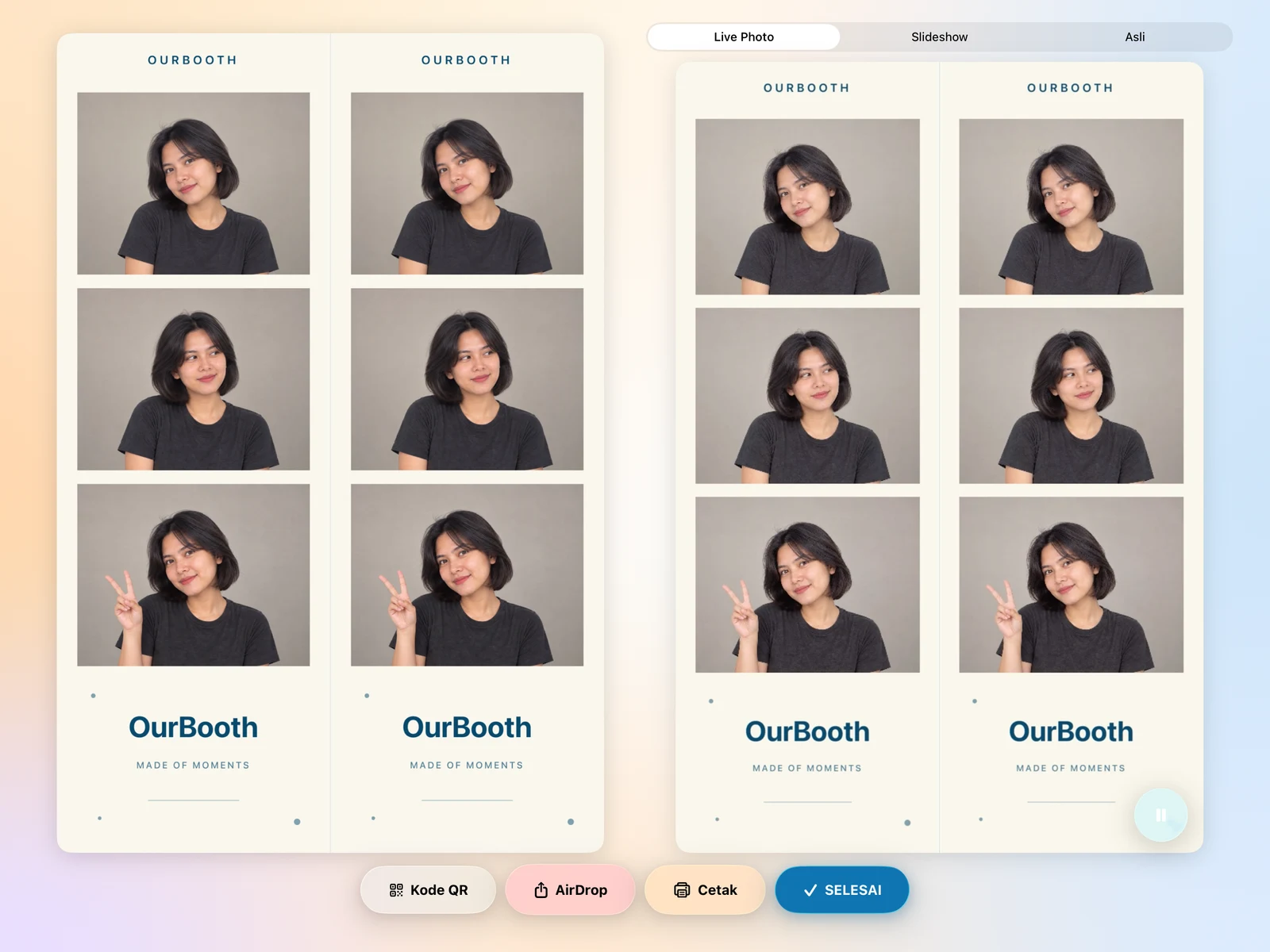
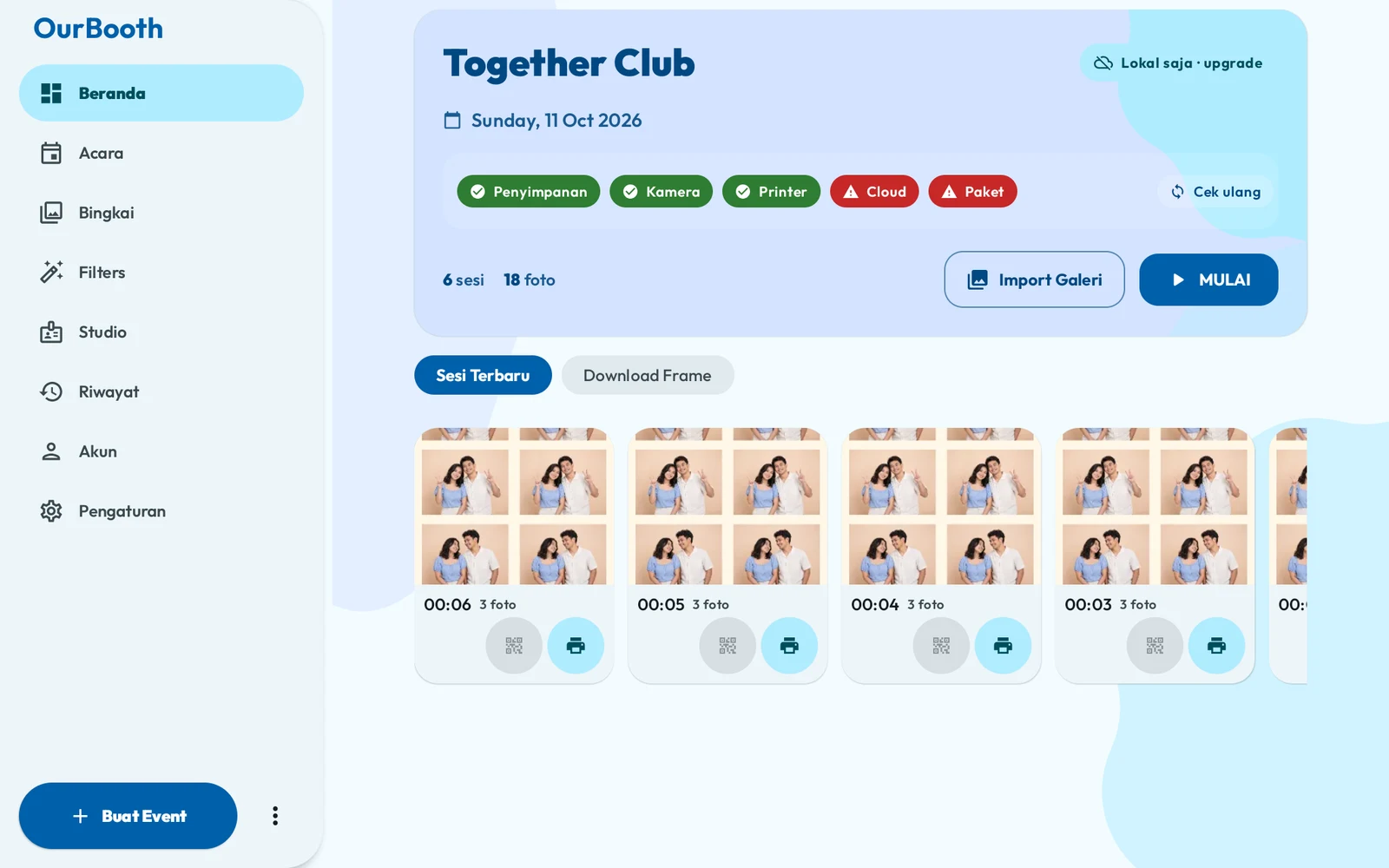
Guests follow the screen. You just set up the event.
The start screen is recorded on an Android tablet. The animated walkthrough uses app screens and demo photos. QRIS, Live Photo, and GIF are simulated.
MORE WAYS TO PLAY
From your favourite photo strip to a collectible card. Make every session your own.
Android & iPad
OurBooth runs on Android tablets and iPad. One account, so your events, frames, and plan follow you to any device.
Same on both
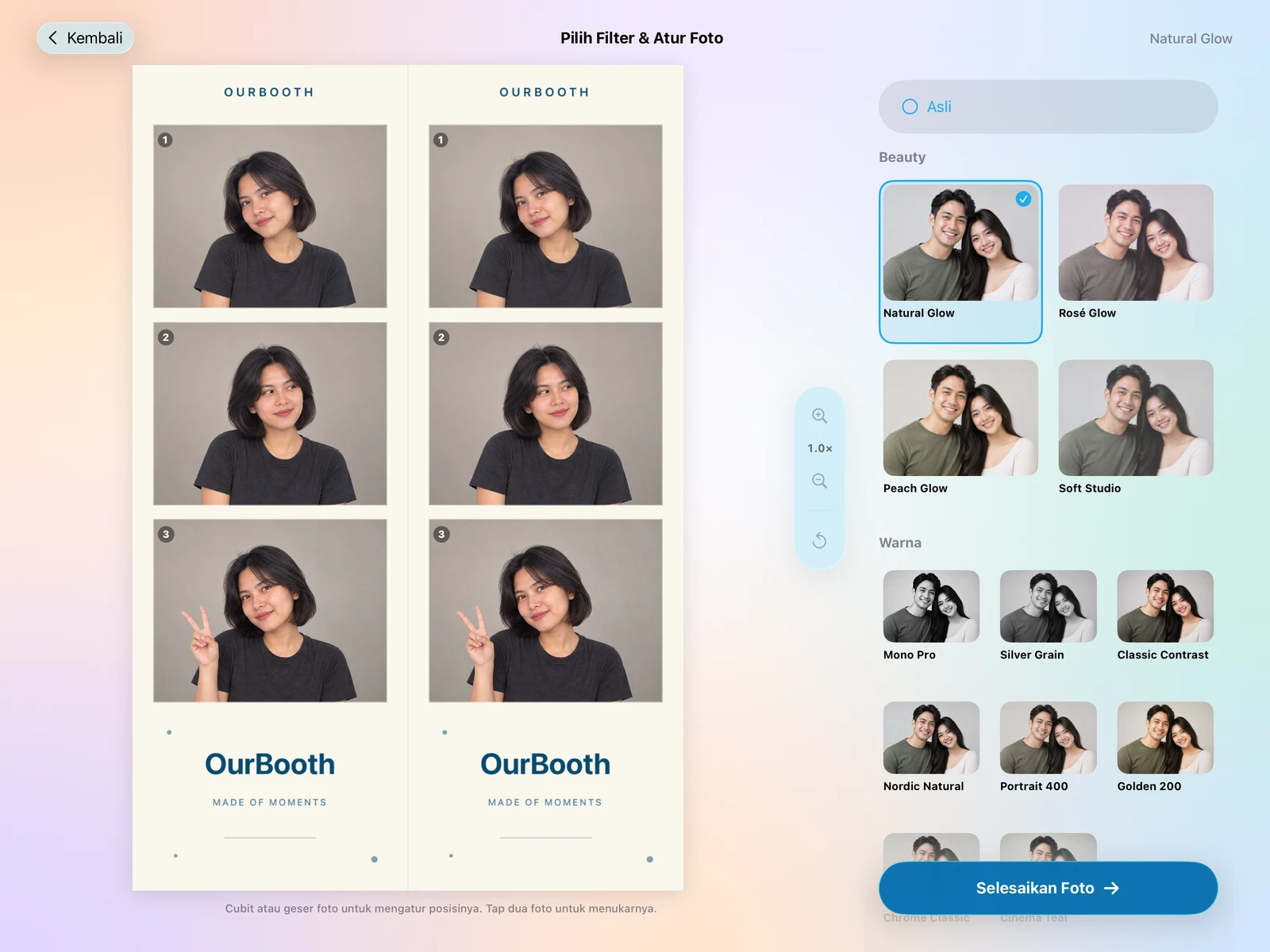
Works on iPhone too.
Reach
Made in Indonesia, for photobooth users around the world. From your first event to the next chapter of your booth business.
2,661
registered photobooth users
Last updated
Automatically refreshed every 24 hours from registered accounts.
Made in Indonesia. Ready for your story.
Cities in Indonesia
Countries
Hardware
Support depends on the model, connection, and firmware. Always test before an event.
Hardware options




Trademarks belong to their owners. Connection options and support vary by model.
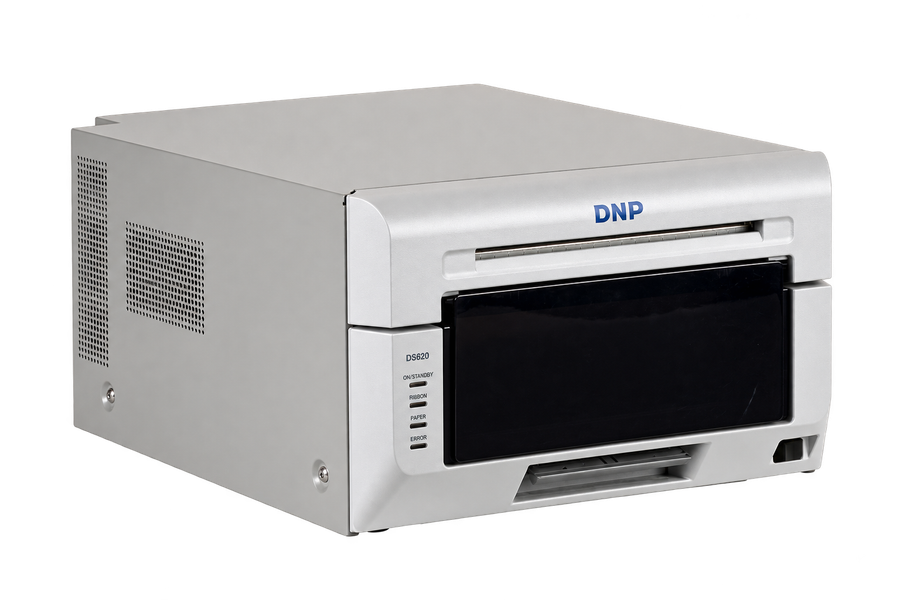
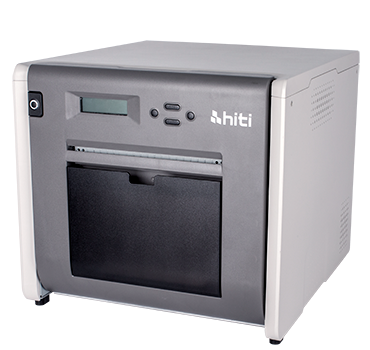
Professional printers
DNP · HiTi · Fujifilm ASK · Kodak · Citizen · Sinfonia · Mitsubishi
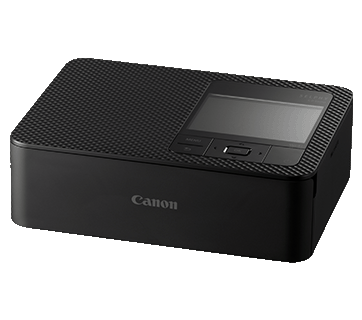
Photo printer
CP1000 · CP1200 · CP1300 · CP1500
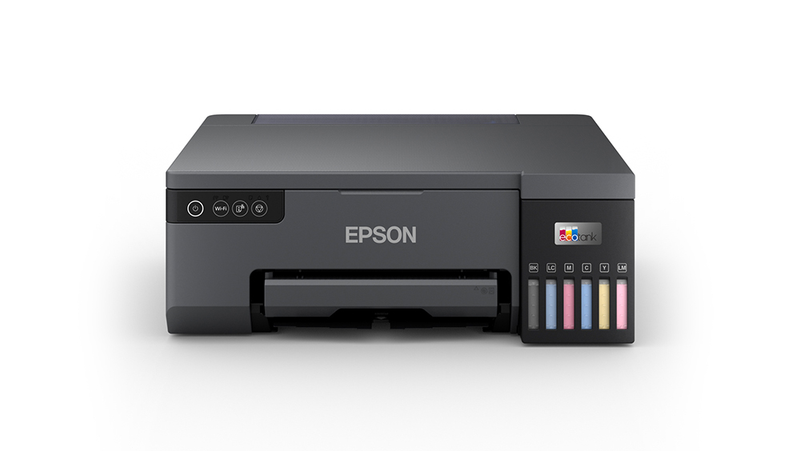
Photo printer
L8050 · L18050 · L3250 / L3251 · L3256 · and more
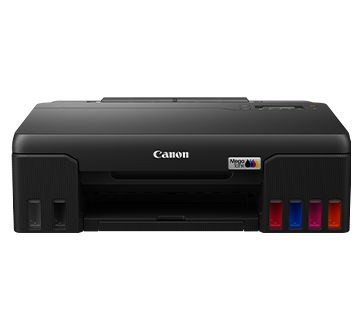
Wi-Fi printers
Canon · Epson · HP · Brother · and other certified models
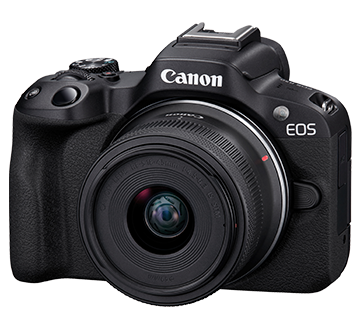
Camera
DSLR · mirrorless · webcam USB
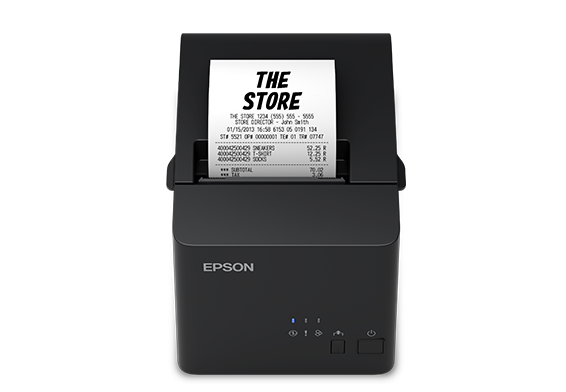
Thermal photobooth
Xprinter · iWare · AIMO · Epson · ESC/POS
Your booth tablet
iPad Pro · iPad Air
Connect a professional photo printer straight to your iPad over USB with Apple DriverKit. Choose a DNP, Citizen, or HiTi model listed in the OurBooth driver, then control quality and finish in the app.
Enable the OurBooth driver in Settings → Drivers, connect the printer with a USB data cable, then choose Professional USB. AirPrint, Epson direct, and Assistant are also available.
For printers with a computer driver, connect your tablet to OurBooth Assistant on Windows or macOS. About OurBooth Assistant
For booth businesses
Manage events, frames, devices, and payments from your laptop. The tablet at the booth just syncs.
Dashboard and gallery previews use sample figures and demo photos.
Set up the event and pick its frames on the web. On the tablet, tap Sync.
Guests pay before the session, into your own DOKU merchant account.
Create codes for invited guests or promotions.
See which devices are signed in to your account and revoke access if needed.
Every payment is recorded and easy to check.
Every session goes to an online gallery. Guests scan a QR code and save their photos.
Some features need a specific plan. See the pricing table below.
Reliability
From real sessions, updated daily. The success rate only counts uploads that have finished.
–
14,680 succeeded · 26 failed · 4 processing
99.82%
–
10,260 succeeded · 80 failed · 5 processing
99.23%
–
5,420 succeeded · 43 failed · 3 processing
99.21%
Data through
Pricing
Try it for 7 days, no credit card. Pay through Google Play or the App Store; it's still one account.
Free for 7 days
Starts automatically when you create an account in the app. No credit card.
For a simple booth using the built-in camera.
Billed monthly · 3-day grace period
Buy on Google Play
For operators who need more cameras and richer outputs.
Billed monthly · 3-day grace period
On iPad Rp 139.000/month
Buy on Google Play · App Store
For booth businesses with payments and team operations.
Billed monthly · 3-day grace period
Buy on Google Play
| Feature | Starter | Pro | Enterprise |
|---|---|---|---|
| Create and manage events | Included | Included | Included |
| Unlimited booth sessions | Included | Included | Included |
| Custom frame layouts | Included | Included | Included |
| Cloud frame sync | 50 frames | 100 frames | 150 frames |
| Cloud settings sync | Included | Included | Included |
| Cloud gallery upload | Included | Included | Included |
| Email sharing | Included | Included | Included |
| USB webcam | Not included | Included | Included |
| Professional camera | Not included | Included | Included |
| Live Photo and motion output | Not included | Included | Included |
| AI generation tokens | 5 tokens/month | 10 tokens/month | 20 tokens/month |
| Payment Center | Not included | Not included | Included |
| Tenant dashboard | Not included | Not included | Included |
| OurBooth Games | Not included | Not included | Included |
| Storage controls | Included | Included | Included |
| No watermark | Included | Included | Included |
Starter
Pro
Enterprise
Android monthly prices are shown in USD, excluding applicable tax. Final prices follow your Google Play region. App Store Pro is shown at Rp139,000/month for the Indonesian storefront.
Get started
The 7-day trial starts automatically. The same account works on Android and iPad.
Android tablet or phone. Free on Google Play.
 Huawei tablet (no Google Play)Download the APK directly · ourbooth-huawei.apk
Free on the App Store.
Needs iPadOS 18 or iOS 18 or later.

FAQ
Still have questions? Contact us
Yes. Sign in with the same account and your plan and frames come with you.
On Android through Google Play, on iPad through the App Store. An active plan works on both. For now, Enterprise can only be bought on Android.
Android monthly prices are shown in USD before applicable tax: Starter $7.99, Pro $12.99, and Enterprise $19.99. Pro on the Indonesian App Store is Rp139,000 per month. Final prices follow your store region at checkout.
7 days free, starting when the account is created, no credit card. The trial is per account, not per device.
Choose Canon SELPHY, Epson ESC/P-R Wi-Fi models including L3251, or IPP / AirPrint printers. Professional printers use OurBooth Assistant with a matching Windows or macOS driver; M-series iPads also support direct USB via DriverKit for listed DNP, Citizen, and HiTi models. Explore the model lists and setup guides in Hardware.
Yes, for selected models. On Android over USB (PTP) or a USB webcam. On iPad for Canon, Sony, and Nikon over USB. Test before the event.